
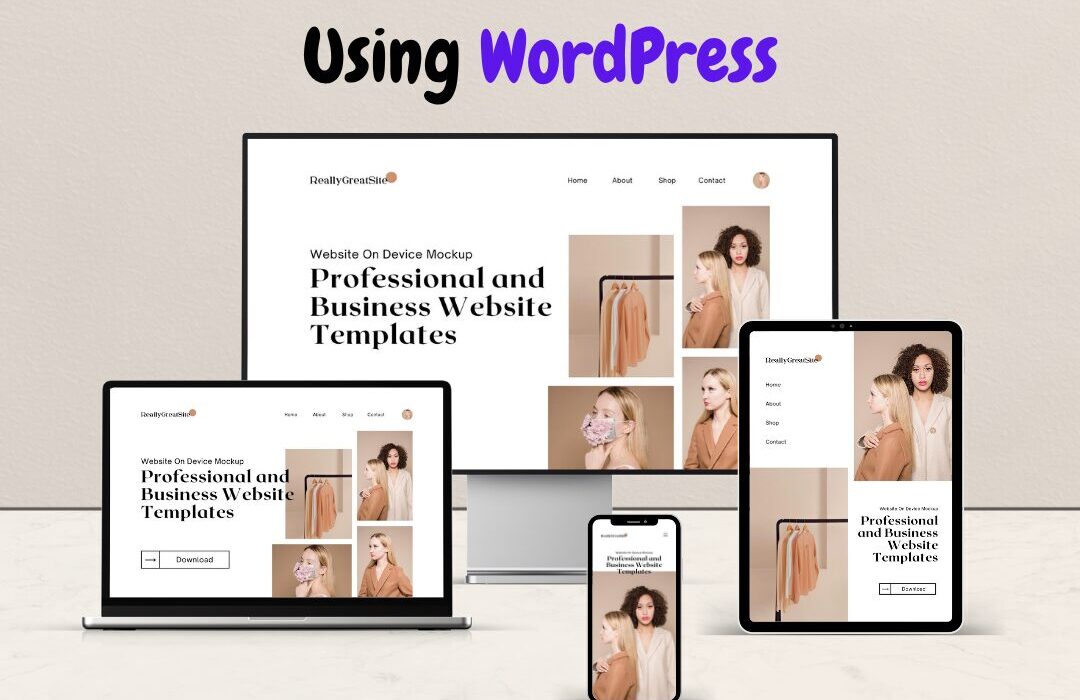
How We Build Cost-Effective Websites Using WordPress
Introduction
In today’s digital world, a website is not just an option it’s a necessity. Whether you run a small business, startup, or enterprise, having a strong online presence helps you build credibility, generate leads, and grow your business.
However, many businesses hesitate due to high development costs. The good news? You don’t always need a huge budget to build a professional website.
At People’s Choice Tech, we specialize in building high-quality, low-cost websites using WordPress—without compromising on performance or design.
Basic Requirements for Website Development
Before starting any website project, it’s important to understand the key requirements:
1. Domain Name
Your domain is your website address (e.g., www.yourbusiness.com). It should be simple, professional, and easy to remember.
2. Hosting
Hosting is where your website lives online. A reliable hosting provider ensures your website is fast, secure, and always accessible.
3. Clear Business Goals
Ask yourself:
- Do you want leads?
- Sell products?
- Showcase services?
Your goal defines your website structure.
4. Content & Branding
- Logo
- Business information
- Images
- Service details
Good content builds trust and improves SEO.
5. Design & User Experience
Your website should be:
- Mobile-friendly
- Fast-loading
- Easy to navigate
Why WordPress is the Best Low-Cost Solution


WordPress powers over 40% of websites globally—and for good reason:
🔹 Cost-Effective
No need to build everything from scratch. Themes and plugins reduce development time and cost.
🔹 Highly Customizable
From simple business websites to complex platforms, WordPress can handle it all.
🔹 SEO-Friendly
Built-in features and plugins help your website rank better on Google.
🔹 Easy to Manage
You can update content, images, and pages without technical knowledge.
How We Develop Websites at Low Cost
At People’s Choice Tech, we follow a smart and efficient process to keep costs low while maintaining quality.
1. Requirement Analysis
We first understand:
- Your business
- Target audience
- Required features
This helps avoid unnecessary development costs.
2. Choosing the Right Theme

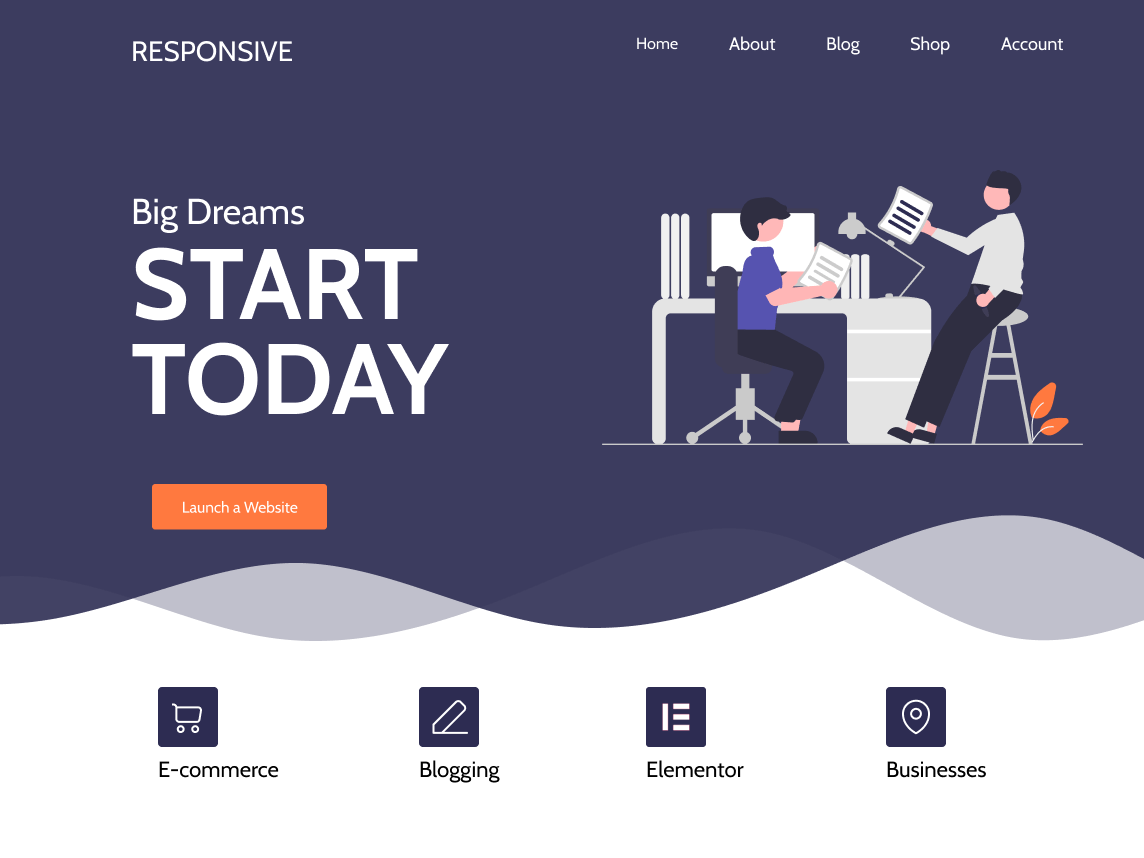
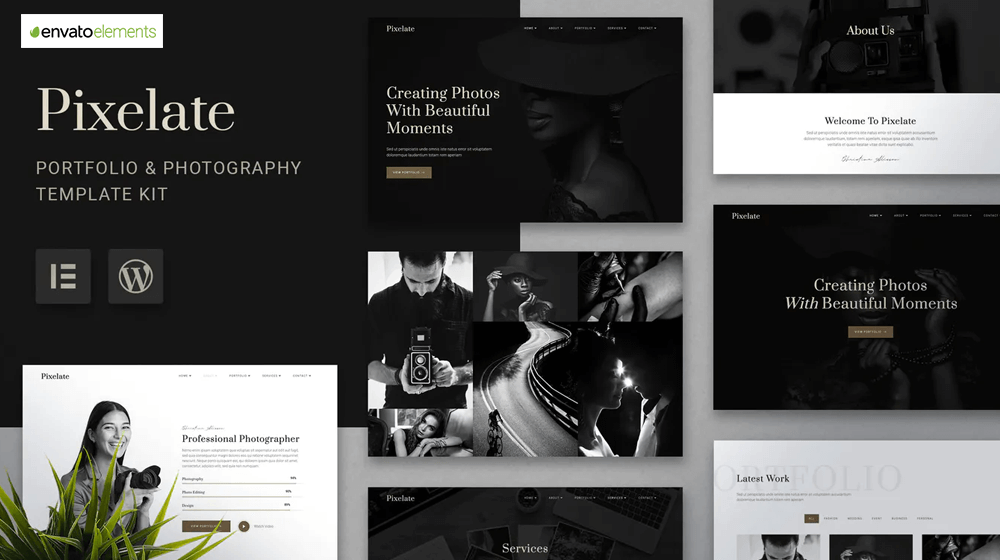

Instead of building from scratch, we use:
- Professional themes
- Pre-built layouts
👉 This saves time + money
3. Using Smart Plugins
We use trusted plugins for:
- Contact forms
- SEO
- Security
- Performance
👉 No need for custom coding unless required
4. Customization Based on Business Needs
We customize:
- Colors & branding
- Layout
- Content structure
👉 You get a unique website at a lower cost
5. Mobile Optimization
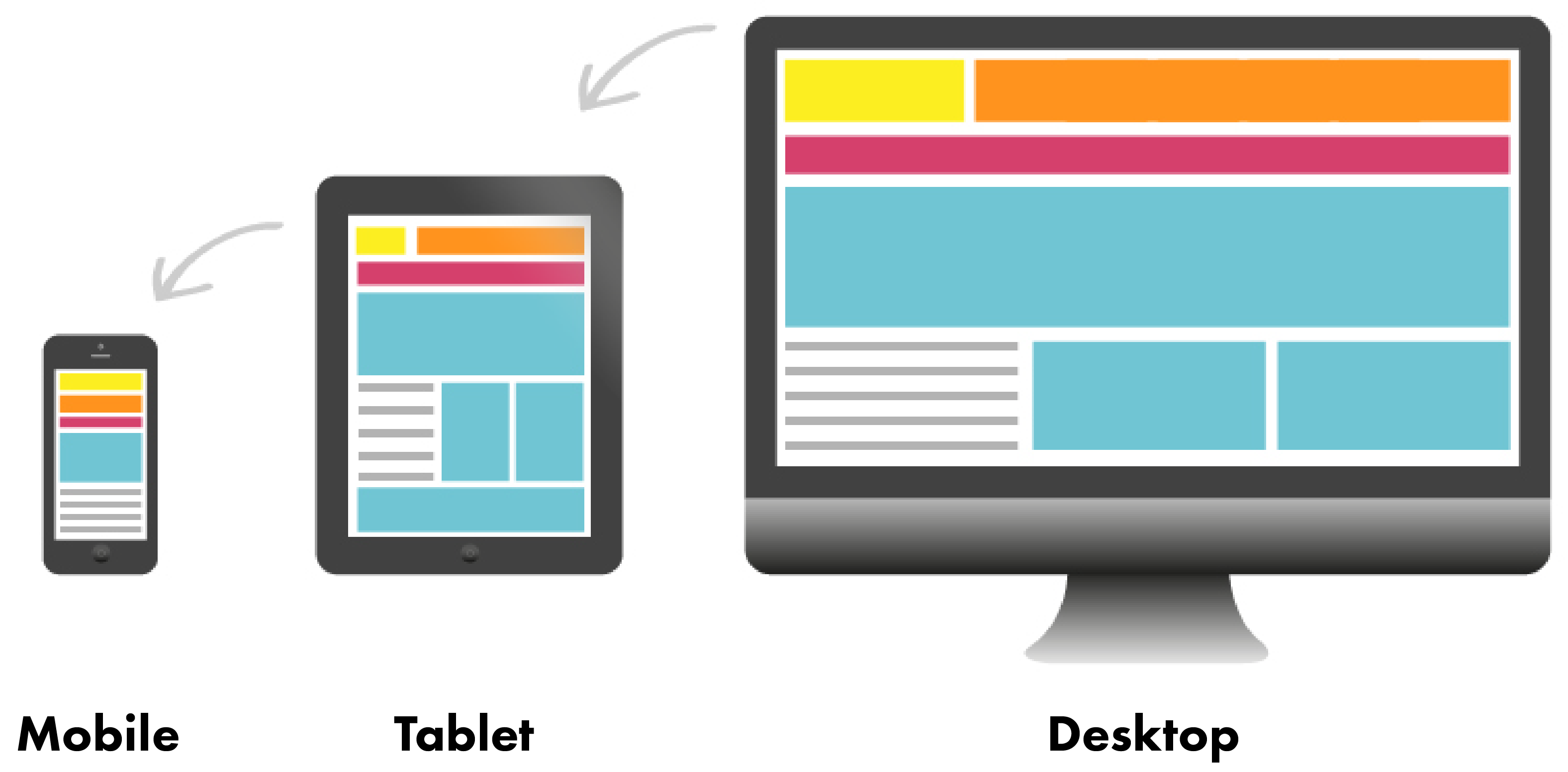

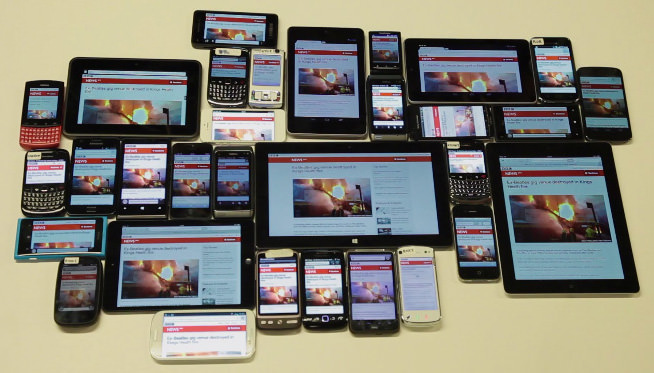
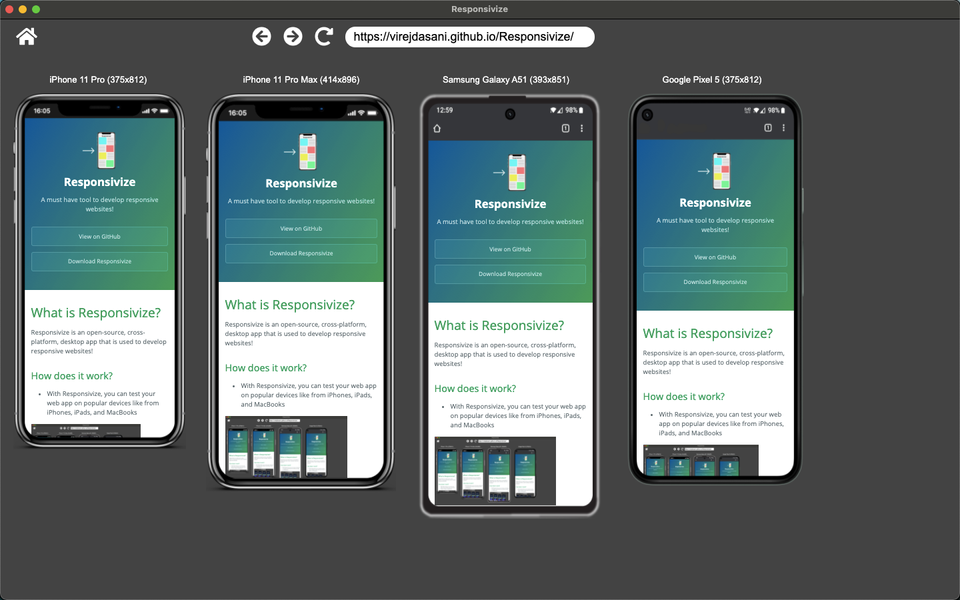
We ensure:
- Fully responsive design
- Fast loading on mobile devices
Because most users visit from mobile.
6. SEO Setup
We implement basic SEO:
- Meta tags
- Keywords
- Page speed optimization
👉 Helps your website rank on Google
7. Testing & Launch
Before going live:
- We test speed
- Check all pages
- Fix errors
👉 Ensuring a smooth launch
How We Keep Costs Low
Here’s our strategy:
✔ Use WordPress (no heavy coding cost)
✔ Use premium themes instead of custom design
✔ Use plugins instead of building features from scratch
✔ Focus only on necessary features
✔ Faster development = lower cost
Who Should Choose This Approach?
This low-cost WordPress development is perfect for:
- Small businesses
- Startups
- Local service providers
- Clinics & hospitals
- Consultants
- E-commerce beginners
Conclusion
Website development doesn’t have to be expensive. With the right strategy and tools like WordPress, you can build a professional, fast, and scalable website at a very affordable cost.
At People’s Choice Tech, we help businesses launch powerful websites without breaking their budget—while ensuring quality, performance, and growth.
Need a Website?
We offer free consultation to help you choose the best solution for your business.
👉 Visit: www.peopleschoice.tech
👉 Let’s build your website the smart way